See Nimer in action
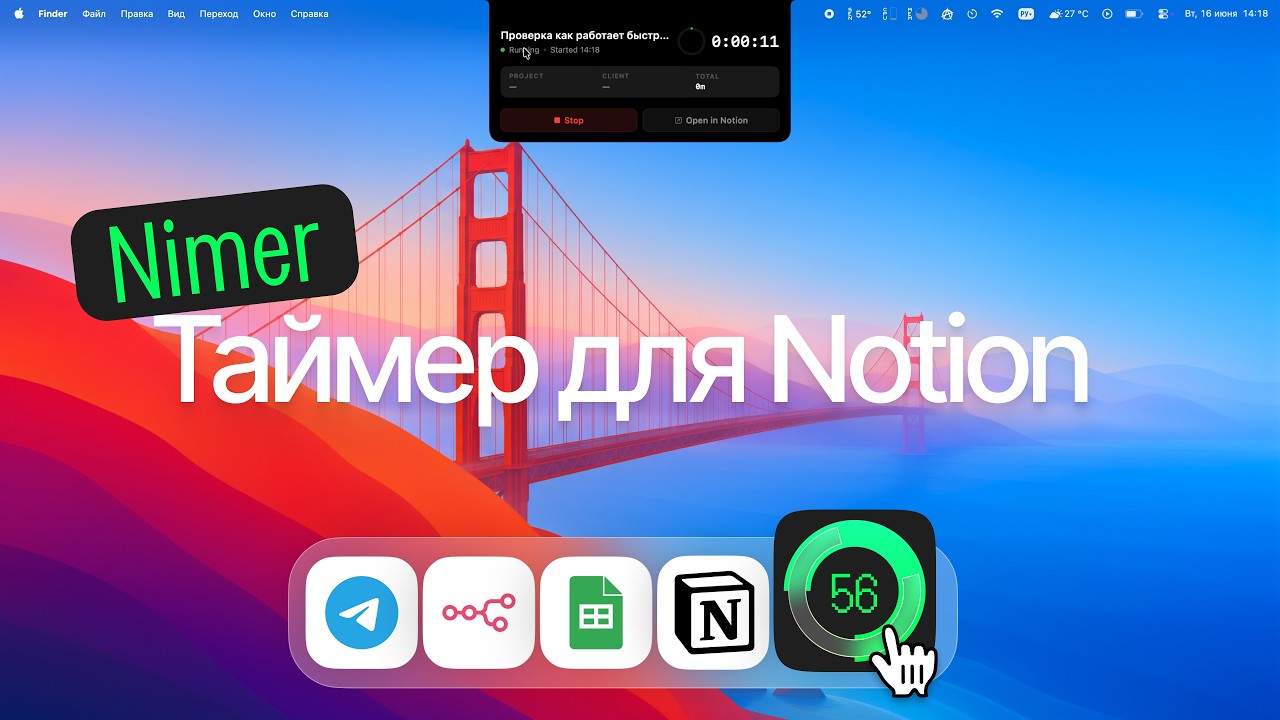
Nimer tracks time on your Notion tasks right from your Mac's notch. One shortcut to start, a glance to check — no switching apps, no forgotten hours.
Your tasks live in Notion. Your timer lives in the notch. Nimer connects them so every worked minute lands in your database — automatically.
The dead space around your MacBook's camera becomes a live timer. Glance up to see elapsed time, hover to expand the full card — task, project, client, and total time. No windows, no dock switching.
Hit ⌘⇧N in any app — a Spotlight-style bar appears. Type the task name, press Enter: the task is created in Notion and the timer starts. Two seconds, zero friction.
Every session becomes a time entry in your Notion database — linked to the task, project, and client. Rollups sum it up. Your reports, invoices, and dashboards keep working.
The progress ring changes color as time passes: green under an hour, cyan up to two, orange up to four, red beyond. One glance — no numbers needed.
Nimer auto-detects the notch. No notch? The timer lives in the menu bar instead — elapsed time always in sight.
Pick your own hotkey, polling intervals, and reminders for timers that run too long. Launch at login, show elapsed time in the Dock, get early builds on the dev channel — it's your timer.
An iOS companion is in the works: start a timer on the Mac and see it as a Live Activity on your iPhone's lock screen. Coming soon — every license will get it at no extra cost.
Get the ready-made Notion template with Tasks and Time Tracker databases — or connect Nimer to your own databases with flexible field mapping.
Sign in with Notion, pick your databases in the setup wizard — Nimer maps the fields and checks everything works.
Type a task name, press Enter — the timer is running and the notch shows it. That's the whole workflow.
Every worked minute is logged against the right client. Export honest, defensible invoices straight from Notion.
Projects, clients, and rollups in one Notion workspace. See where the team's hours actually go — without another SaaS subscription.
Know where your day went. A visible timer nudges you back to focus — and the data shows what deserves your time.
Try everything free for 14 days. Then one small payment — no subscription, ever.
Just a Notion account. Nimer ships with a ready-made template containing two databases — Tasks and Time Tracker. Project and client are relation fields on tasks that you can point at your own databases. Or skip the template entirely and connect Nimer to your existing setup with flexible field mapping.
The app asks for a license key. Your data stays in your Notion — nothing is lost. Buy a key for $4 (290 ₽, one-time), enter it, and keep going.
Nimer requires macOS 26.2 or later. The notch UI shines on MacBooks with a notch, but Nimer also works on any Mac in menu-bar mode.
Really. $4 (290 ₽) once, yours forever, including updates. One license covers 2 Macs.
Recover it by email on the key recovery page — it takes a minute.
In your own Notion workspace. Nimer writes time entries directly to your databases — you own the data, and it stays there even if you stop using the app.
Download Nimer and log your first task in the next two minutes.